
Spending Trackers: Paper, Spreadsheet, or App?
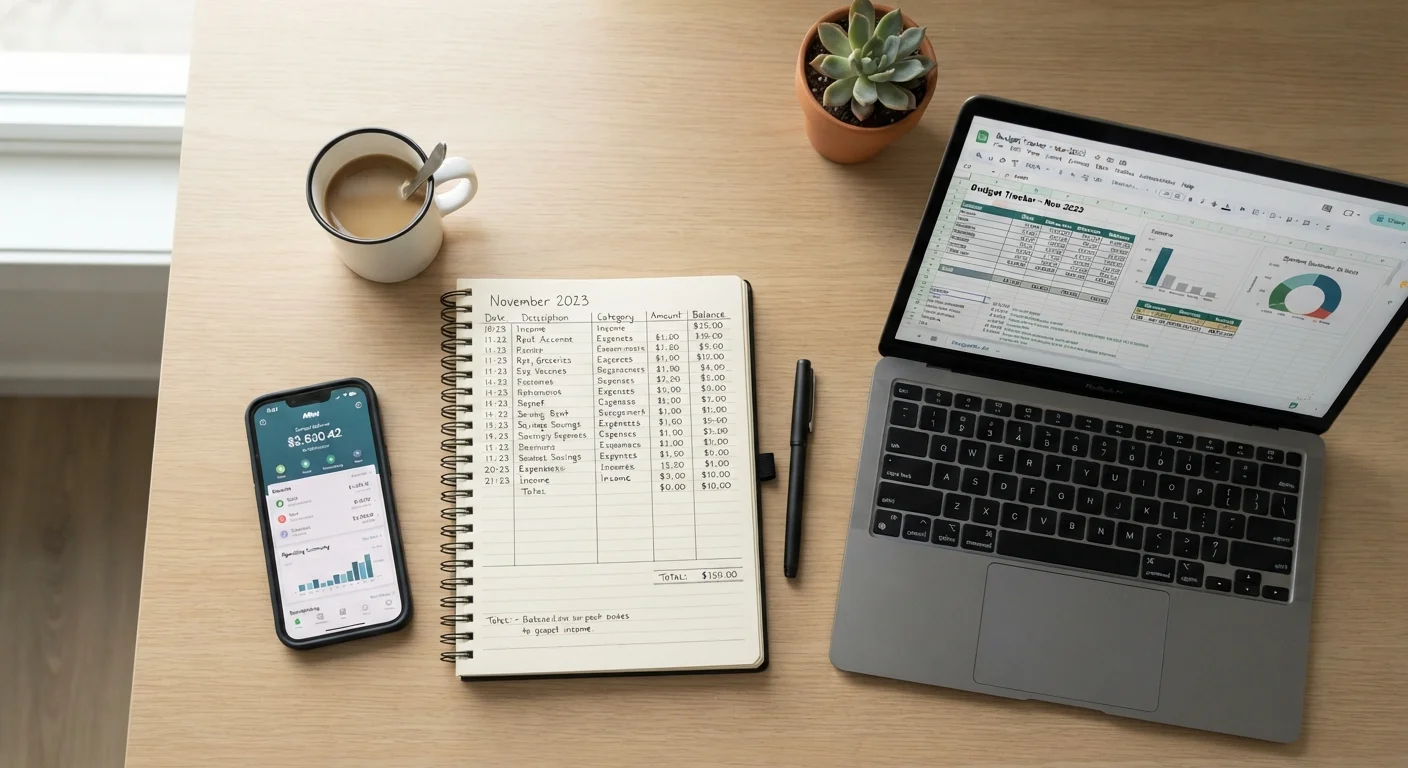
Photo credit: InfoHorizon.net | Access To Informative Content
In this article
There's no single right way to track spending. This comparison of manual, spreadsheet, and app-based methods helps you choose what you'll actually use.
Key Takeaways
- Paper tracking builds awareness through deliberate, manual recording of every purchase.
- Spreadsheets offer full customization but require consistent upkeep and basic formula knowledge.
- Apps automate data entry and categorization, reducing effort but requiring data-sharing tradeoffs.
- The best tracker is the one you'll actually use consistently — not the most sophisticated one.
- Combining methods (e.g., app for daily tracking, paper for monthly review) is a valid strategy.
Why Your Tracking Method Matters
Tracking spending is the foundation of any working budget. But the tool you choose can determine whether you actually stick with it. A method that feels like a chore gets abandoned — usually within weeks. One that fits your natural rhythm tends to become a habit.
If you're new to budgeting entirely, it's worth reading the basics of personal budgeting before choosing a tracking method. Understanding what you're tracking — and why — makes the tool choice much easier.
This comparison covers the three most common approaches: pen-and-paper, spreadsheets, and dedicated apps. Each has genuine strengths and real limitations.
How the Three Methods Compare
Before diving into the details of each approach, here's a side-by-side look at how they stack up across the criteria that matter most to everyday budgeters.
| Paper | Spreadsheet | App | |
|---|---|---|---|
| Setup effort | Minimal — just a notebook | Moderate — build or download template | Low — download and link accounts |
| Ongoing time required | High — manual entry every time | Moderate — regular manual input | Low — mostly automated |
| Customization | Fully flexible | Fully flexible | Limited to app's structure |
| Accuracy | Depends on discipline | Depends on input consistency | High, with some category errors |
| Privacy | Maximum — no data sharing | High — local or cloud file | Lower — third-party account access |
| Best for | Mindful, cash-heavy spenders | Detail-oriented, consistent users | Busy users wanting automation |
The right column to focus on is whichever aligns with your biggest friction point — time, privacy, accuracy, or flexibility.
Paper: Simple, Slow, and Surprisingly Effective
Writing down every purchase by hand forces you to engage with each transaction consciously. Research in behavioral economics consistently supports the idea that manual recording increases awareness of spending patterns — a phenomenon sometimes called the pain of paying. You notice $6 coffee runs differently when you write them down five times a week.
The downsides are real: paper doesn't calculate totals automatically, it can't send alerts, and it's easy to lose track mid-month. It works best for people who spend primarily with cash or debit and have a relatively straightforward financial picture.
Start with Paper for One Month
Even if you plan to use an app long-term, starting with a paper log for 30 days builds genuine awareness of your spending habits. Many budgeters find that the manual step reveals patterns — like underestimated dining or subscription costs — that automated tools normalize rather than flag. Use it as a diagnostic before automating.
If you want to explore how paper-style cash-based tracking compares to digital tools, the envelope budgeting vs. app comparison goes deeper on that specific tradeoff.
Spreadsheets: Full Control, Full Responsibility
A spreadsheet — whether in Google Sheets or Excel — gives you complete control over categories, formulas, and layout. You can build exactly the budget structure you need, whether that's a simple income-minus-expenses view or a detailed breakdown by paycheck cycle.
The catch is that spreadsheets require consistent manual input and at least a basic comfort with formulas. They offer no automation unless you build it yourself. For many people, the setup enthusiasm fades when real life gets busy.
Spreadsheets pair well with a structured monthly budgeting process. If you want a step-by-step framework for that, setting up a monthly budget walks through assigning every dollar a purpose — a natural fit for spreadsheet users.
~1 in 3
Americans who keep a detailed budget
Gallup polling has consistently found that fewer than half of U.S. adults maintain a detailed household budget, highlighting how many people track spending informally or not at all.
60%+
Adults who say budgeting reduces financial stress
Surveys by the American Psychological Association have found that finances are a leading source of stress, and structured tracking is among the most commonly cited coping strategies.
Apps: Automation With Tradeoffs
Budgeting apps can link directly to your bank and credit card accounts, automatically categorizing transactions as they happen. This dramatically reduces the effort of tracking and can surface spending patterns you'd otherwise miss. Many apps also provide visual summaries, alerts when you're near a category limit, and month-over-month comparisons.
The tradeoffs: apps require you to share financial account credentials or read-only access with a third-party service. That's a legitimate privacy and security consideration worth weighing. App categories aren't always accurate — a grocery store that sells alcohol might get tagged wrong — so some manual review is still needed.
Review App Permissions Carefully
Before linking a budgeting app to your bank accounts, read the app's privacy policy and understand what data is stored, shared, or sold. Look for apps that use read-only access rather than your full login credentials. If an app requests more permissions than necessary to display transactions, that's worth scrutinizing before connecting sensitive accounts.
Once you've established a tracking routine, it's worth doing a regular review of whether the numbers reflect your goals. a monthly budget audit checklist can help you catch drift before it becomes a problem, regardless of which tool you use.
This article is for general informational purposes only and does not constitute personalized financial advice. For guidance specific to your financial situation, consider consulting a qualified financial professional.

Author
Finance Editorial Team
Finance Editorial Team is the collective byline for our editorial team and contributor network. Articles published under this byline or an editorial pen name are researched, written, and reviewed according to our editorial standards for clarity, consistency, and independence before publication.
View all articles →